

Shadow
Most cloud gaming services only allow you to launch games from a predetermined catalog, you don’t get full access to a remote desktop. Enter Shadow, a company that not only enables you to stream whatever games you want, but also allows you to go beyond that.
Shadow Cloud Gaming

Dive into how Shadow Cloud Gaming works, its pricing, game offerings, device compatibility, how and where you can use it.
What is Shadow PC cloud gaming?
Shadow is a cloud PC service that rents out powerful hardware for you to use almost any way you wish. While you have an active subscription, you’re given full access to a full-blown Windows computer in the cloud.
As you’re essentially renting a PC, you can do everything that you would do with a physical one, including (but not limited to) gaming.
How does Shadow work?
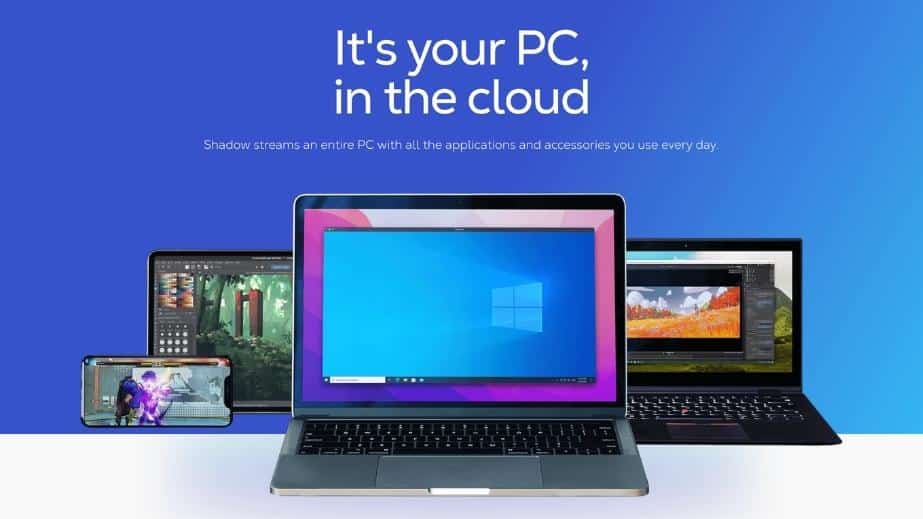
Think of Shadow as having a gaming server in the cloud that you access via remote desktop tools. Playing games on Shadow works the same way as your own computer at home.
After connecting to your server with a program or app, you boot into a Windows environment where you can install whatever you want – including gaming platforms and titles. Shadow streams back the audio and video of your cloud machine, meaning that any games you play on the server will look and feel almost exactly as if you’re playing it on your own hardware.
How much is Shadow and which subscriptions are available?
Shadow PC offers two subscription plans designed with gamers in mind, each catering to different performance needs and budgets.
Neo Plan
The Neo Plan costs €32.99 per month. It is suitable for most users, providing enough power for gaming up to 1440p resolution and up to 120 FPS. This plan also includes support for ray tracing (RTX) and DLSS for modern titles.
Power Plan
The Power Plan is priced at €49.99 per month. It is aimed at enthusiasts and power users, offering performance for gaming at up to 4K resolution and up to 240 FPS. This plan features more RAM and a faster GPU for more demanding games or professional software.

Which games can I play on Shadow?
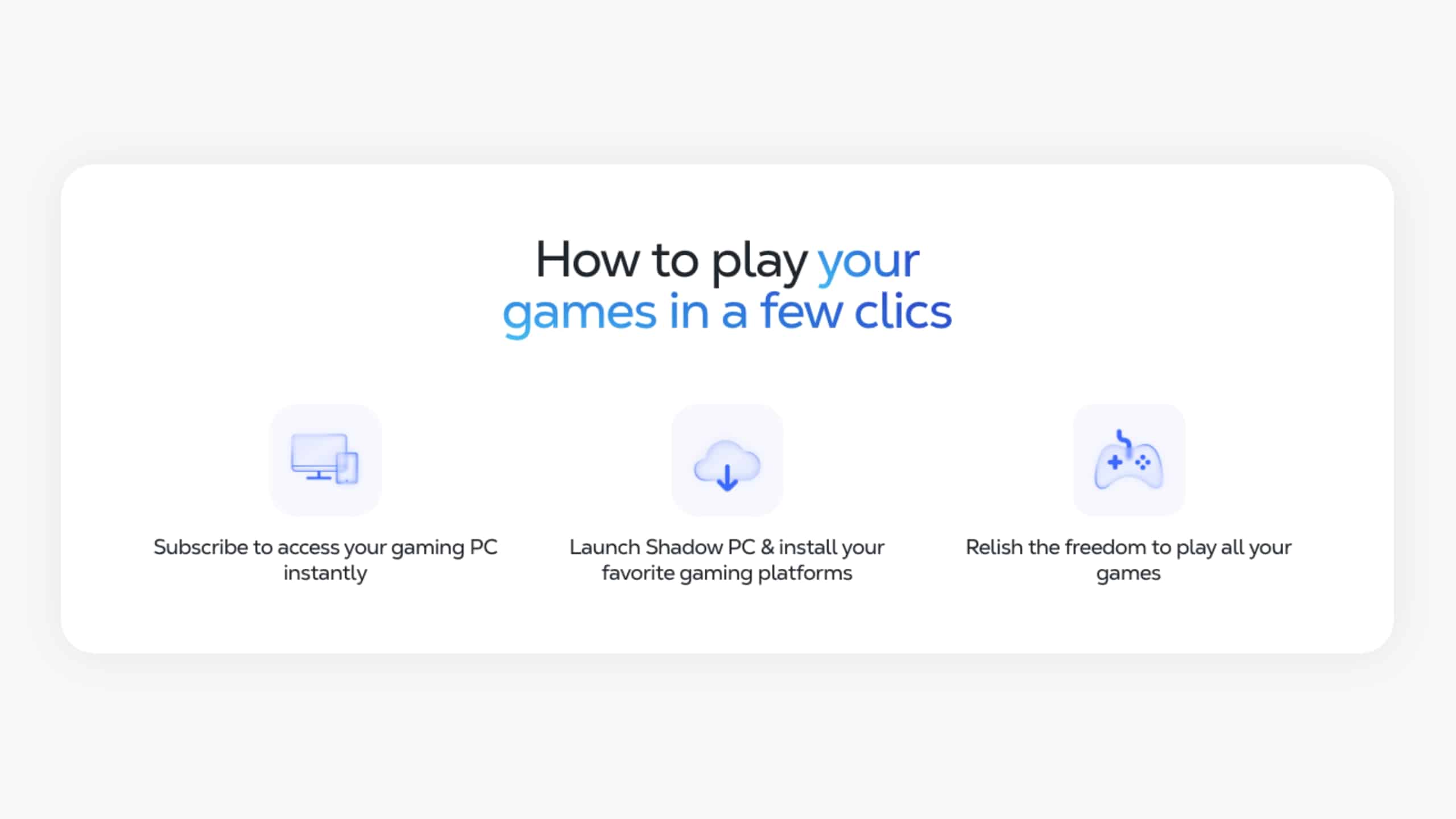
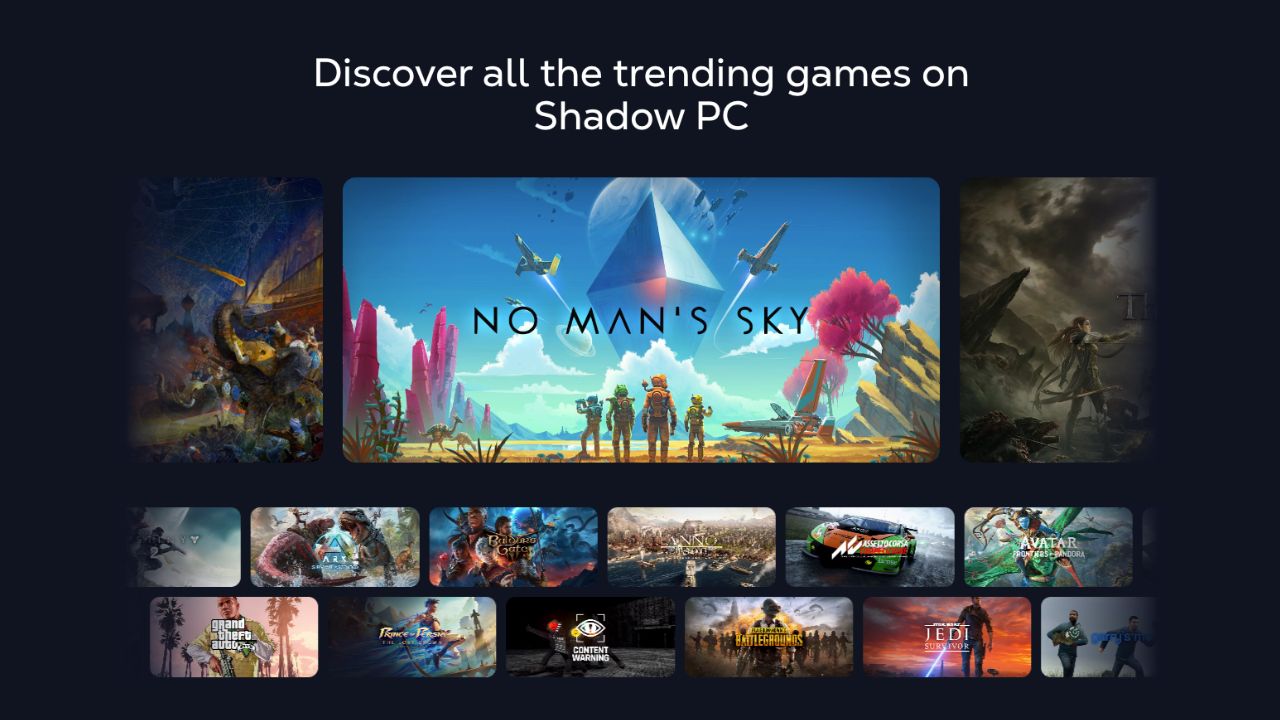
Shadow PC doesn’t include any games as part of its subscription. Instead, you rent a cloud PC that functions like a physical Windows device, giving you the freedom to install and play any games you own. If you’ve purchased games on platforms like Steam, you can play them on Shadow by downloading and installing your gaming platforms on your Shadow PC just as you would on a regular computer.
You can install any gaming platform you want, including:
This flexibility allows you to play virtually almost any game that runs on Windows, making Shadow a versatile choice for gamers who want to manage and play their existing game library.
What hardware specs does Shadow cloud gaming offer?
Shadow’s cloud PCs are available in two gaming configurations, each with different hardware specifications:
Neo Plan
- GPU: NVIDIA RTX 2000 Ada (16 GB VRAM) – Equivalent to RTX 4060
- CPU: AMD EPYC (8 cores) @ 3.25 GHz
- RAM: 16 GB
- Storage: 512 GB SSD (Upgradeable)
- Connection: 1 Gb/s download / 100 Mb/s upload
Power Plan
- GPU: NVIDIA RTX A4500 (20 GB VRAM) – Equivalent to RTX 3070 Ti
- CPU: AMD EPYC (8 cores) up to 3.7 GHz
- RAM: 28 GB
- Storage: 512 GB SSD (Upgradeable)
- Connection: 1 Gb/s download / 100 Mb/s upload
Comparing the two, the Power Plan offers a significant boost in system RAM and a professional-grade GPU with 20 GB of dedicated VRAM, supporting up to 4K at up to 240 FPS. In contrast, the Neo Plan is optimized for up to 1440p at up to 120 FPS. Both setups include a 512 GB SSD as standard and support features like ultrawide monitors, RTX, and DLSS.
On which devices can I use Shadow cloud gaming?
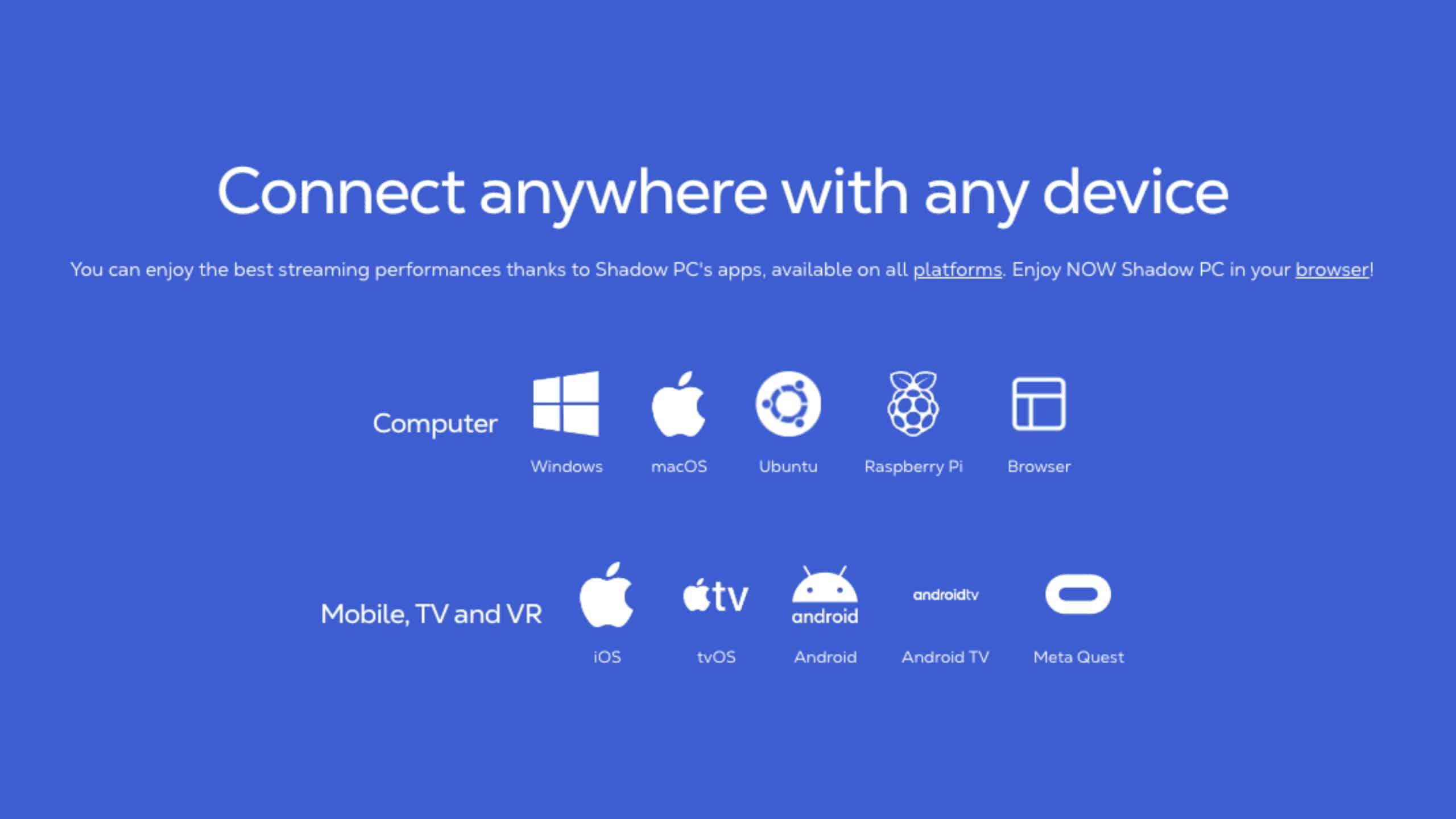
Shadow is accessible on almost any device. You can launch it directly in your web browser or use dedicated apps for Windows, macOS, Ubuntu, Android, iOS, tvOS, Android TV, LG webOS, and Raspberry Pi.
What do I need to play on Shadow?
To play on Shadow, you’ll need the following:
Is Shadow cloud gaming worth it?
Shadow as a service aims to give you the experience of having a powerful PC without needing to pay full price upfront. However, as you need a subscription, you’re obviously paying a monthly fee instead. So, is it a good deal, especially compared to other cloud gaming services?
Pros
The appeal of Shadow as a service is that you gain full access to the remote desktop. This isn’t the case on cloud gaming services like GeForce Now, where you can only stream games – never the whole desktop. It doesn’t matter if you own a Mac or a Chromebook, or even just a tablet and phone, Shadow gives you all the advantages of a Microsoft-based gaming machine.
This is the big pro of using Shadow: you can play pretty much any game you want. No matter how old or indie, if it runs on Windows, you can play it on Shadow.
A few online games, such as Valorant, Genshin Impact, and many EA titles (like FC 26 or Battlefield 6), can’t be played on Shadow because their anti-cheat systems block virtual machines (VMs).
If you’re a fan of running mods for your games, Shadow has another advantage over traditional cloud gaming services. As you’re getting full access, you can install anything you want including community-made content.
That also means you can make use of third-party apps and tools that add quality of life options to your games. For instance, you can use trade assistants for Path of Exile and card trackers for Hearthstone.
Finally, Shadow allows you to go beyond gaming as you can use their cloud hardware for other things like running Photoshop, doing video editing, and working with giant spreadsheets. If you’re a programmer, you can even use it as a build or crawling server.
Cons
The main downside of Shadow is that it’s one of the priciest options in the cloud gaming space. When you factor in that there are no games included, it’s not ideal if you’re more on the casual side of gaming.
Furthermore, you don’t get a plug-and-play experience with Shadow like you get on GeForce Now for example. After subscribing and logging in for the first time, you’re treated to a blank slate of a PC, meaning you first need to install all of your apps and games. This isn’t that bad though, as downloading to your Shadow PC is incredibly fast. They provide up to 1 GB per second download speed, which makes downloads blazing fast. Your data is of course saved while you have an active subscription, meaning you only have to do this once.
Conclusion
Shadow may not be on the affordable side of the cloud gaming spectrum. But, what it trades for a low price is flexibility. If you can’t afford a powerful PC or you can’t justify buying one at the moment, Shadow is a good alternative that feels almost identical. You’ll also find that it’s worth going with Shadow if you want to play in the cloud, but the games you want to play are not offered on other services or if you’re really into mods.
Where is Shadow available?
Shadow currently has data centers in the following locations: Canada (Montreal), France (Paris, Gravelines, Strasbourg), Germany (Frankfurt), and the USA (Washington DC and Portland)
Although the hardware is hosted in these specific hubs, Shadow is officially available and supported in many other countries across Europe, the US, and Canada. As long as you have a stable connection to one of these data centers, you can enjoy a full cloud gaming experience.
What are the alternatives to Shadow cloud gaming?
The best alternatives to Shadow is airgpu, which also gives you complete access to a Windows PC. One key difference is that Shadow is paid monthly, while airgpu is billed hourly. This makes airgpu great for more casual gamers, but much more expensive if you’re playing multiple hours a day.
Frequently asked questions


You might also like
-
 airgpu Cloud GamingLast updated: June 14, 2024
 -
 Best Cloud Gaming Services in 2026 [Complete List]Last updated: February 26, 2026
 -
 Boosteroid Cloud GamingLast updated: June 13, 2024


