Wardogs on Cloud Gaming
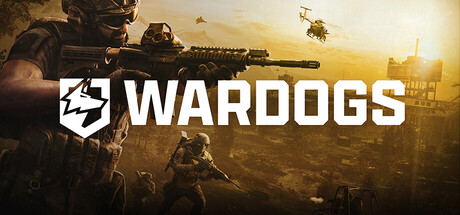
Wardogs is currently only playable on cloud gaming through GeForce Now using your own copy from Steam. See all details below to play on PC, Mac, Android, iOS, and more via browser or app.
Wardogs is available on:

Wardogs is not available on:





Rating:
6 / 10
(12737 ratings on Steam)
Description: WARDOGS is a TACTICAL ALL OUT WARFARE FPS where one hundred players split across three teams fight over the control zone. Set in the derelict industrial mountains of Eastern Europe on a destructible battlefield where teamwork pays and cash is king.
Team17
Developer: BULKHEAD
Release Date: 10.09.2026


How to play Wardogs on cloud gaming
You can play Wardogs on cloud gaming by streaming your own game copy (BYOG) on a supported platform. Below, we explain how this method works and how to get started.
Bring your own game (BYOG)
If you want to play Wardogs on cloud gaming with your own copy, you can use a catalog-based service that supports it as a BYOG title on its subscription plans:
- GeForce Now: requires the Performance or Ultimate plan (Install-To-Play)
To use your own copy of the game, you need to link the store account where you own it to the cloud gaming service. Supported store versions can vary by service:
| Service | Supported store versions |
|---|---|
| GeForce Now | Steam |
Once your store account is linked, you can open the service's catalog, select Wardogs, and start streaming in your browser or a supported app. Depending on the service, a brief cloud setup may be required before the first launch. The plan can also be used to stream other games you own that are available in the service's catalog.
On GeForce Now, Wardogs is an "Install-2-Play" title, so it must be installed on the GFN server before you can stream it. This happens automatically on launch and doesn't take more than a couple of minutes.