Most major cloud gaming services are available in Canada, and several operate local servers, which puts it ahead of many regions for latency and availability. Canada’s strong broadband infrastructure and expanding 5G coverage mean that in most urban areas, the connection quality needed for smooth cloud gaming is already there.
This guide covers the best cloud gaming services for Canadian players, how to choose between them, and how to find specific games across platforms.
Is cloud gaming available in Canada?
Yes. Most major cloud gaming services are available to Canadian players, covering both games-inclusive subscriptions and bring-your-own-games options. Several operate local servers in Montreal or Central Canada, which keeps latency competitive without relying on cross-border connections.
What do you need for cloud gaming in Canada?
Getting started does not require much. The most important factor is a stable internet connection with low latency to the nearest server. Here is what you need:
- A reliable internet connection of at least 25 Mbps, though 50 Mbps or more is recommended for consistent performance
- A wired connection or 5 GHz WiFi to reduce latency compared to standard 2.4 GHz WiFi
- A compatible device: PC, Mac, smartphone, tablet, smart TV, or handheld
- Optional: A controller for console-style games. For recommendations, see our best cloud gaming controllers guide
Best cloud gaming services for Canada in 2026
The right service depends on what you want to play and how you want to pay. Canada’s broad service availability means you are not limited to a short list of options.
-
Shadow PC
Full-Access-Cloud-PC
Available plans
Description
When it comes to unrestricted gaming experiences, Shadow PC stands out. Shadow gives you full access to a powerful gaming PC in the cloud, ensuring you can play almost any game available for PCs. You can even use it for other things besides gaming, like video rendering or machine learning.
It’s a whole new level of freedom for gaming enthusiasts. With Shadow PC, your gaming potential is no longer limited by your hardware capabilities. Our Shadow PC games list can be used as an inspiration for what you could play on this Cloud PC.
You should buy this if…
You shouldn’t buy this if…
Your perfect match?
Shadow PC is perfect for PC gaming enthusiasts who crave flexibility and the ability to play an extensive array of games.
-
Boosteroid
Bring-Your-Own-Games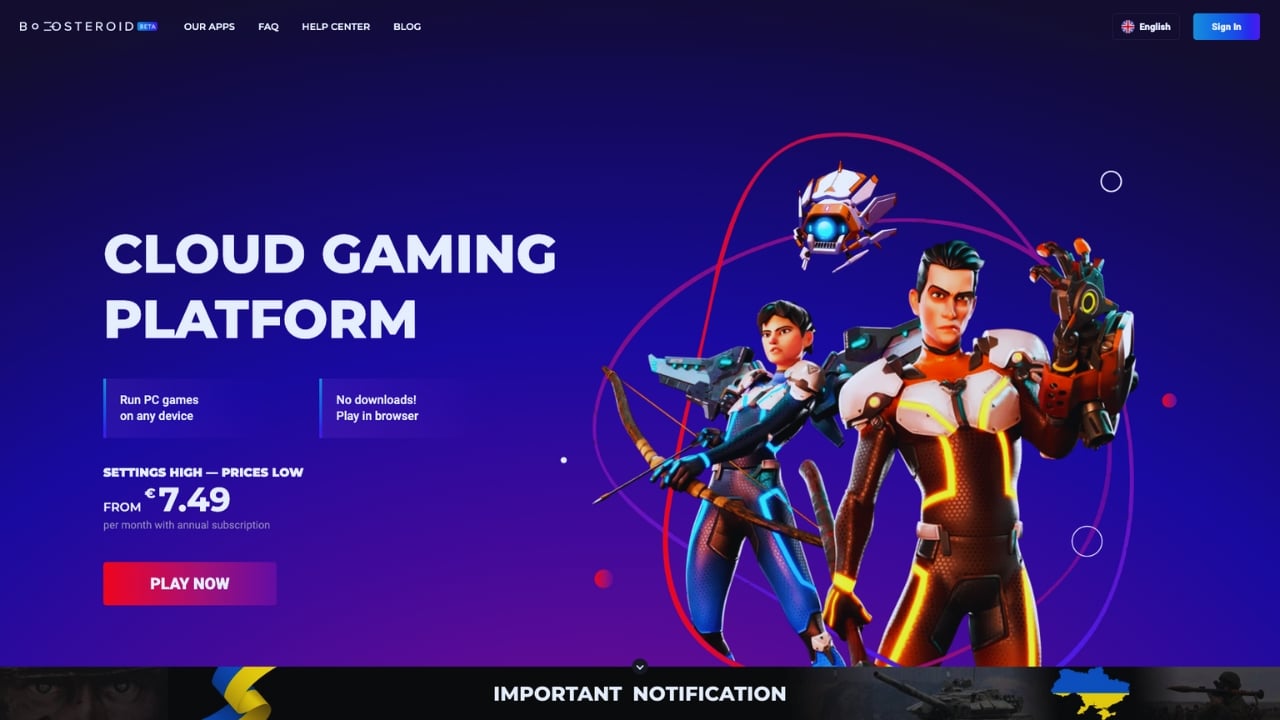
Available plans
Description
If affordability and quality are high on your list of priorities, then Boosteroid could be the right cloud gaming service for you. Starting at €7.49 per month on an annual plan, you have access to powerful cloud gaming servers that let you play your own games.
Notably, AAA games like Elden Ring, Red Dead Redemption II, and GTA V can be experienced in their full glory. Such a wide range of AAA games is seldom found in this price range. You can visit the current Boosteroid games list to get a better idea of what this service has to offer.
You should buy this if…
You shouldn’t buy this if…
Your perfect match?
Boosteroid is the perfect fit for gamers who love AAA games and are seeking a cost-effective cloud gaming service.
-
GeForce Now
Bring-Your-Own-Games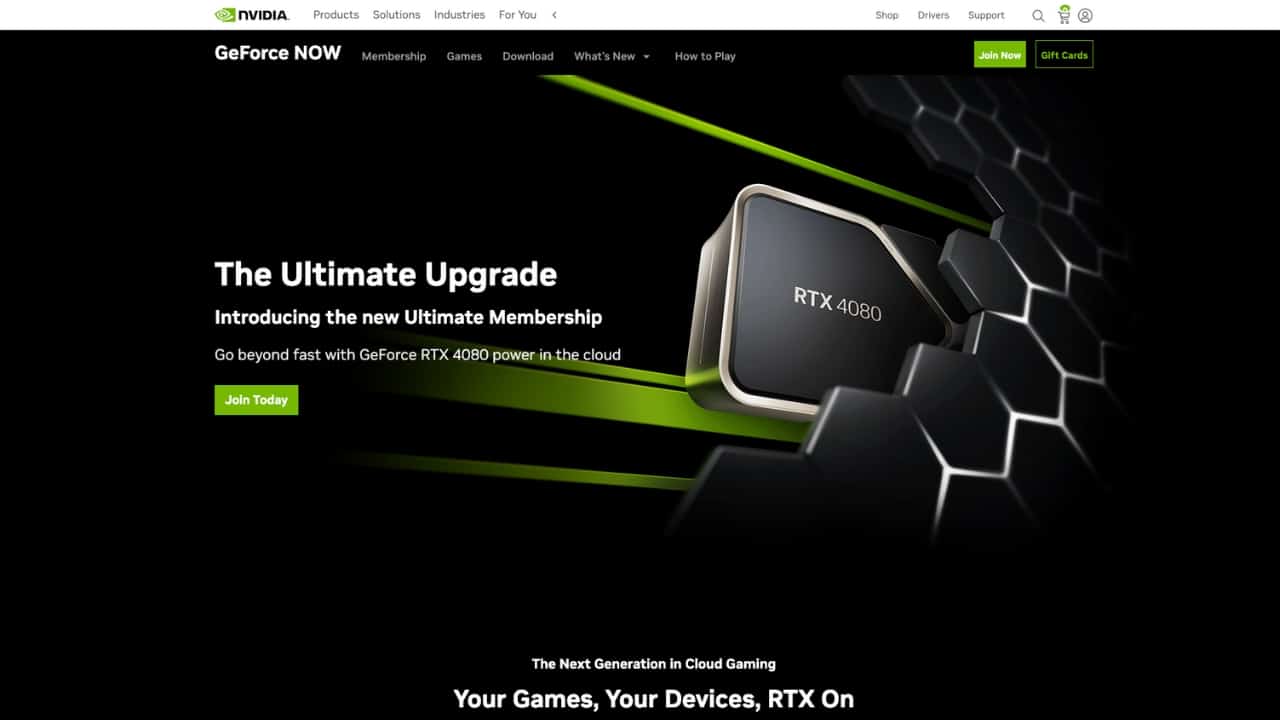
Available plans
Description
Nvidia, a significant contributor to the growth and development of cloud gaming, offers GeForce Now. This cloud gaming service allows you to play your purchased games with impeccable quality for just $10 per month.
In addition to its affordability, Nvidia GeForce Now also offers a free tier. This allows you to enjoy gaming sessions of up to an hour without paying a dime – a perfect opportunity to get started with cloud gaming, if you have never tried it before. To see what games you could be enjoying, browse through the current Nvidia GeForce Now games list.
You should buy this if…
You shouldn’t buy this if…
Your perfect match?
Nvidia GeForce Now is ideally suited to gamers who already have a substantial game library and value high-quality gaming performance.
-
Xbox Cloud Gaming
Games-Inclusive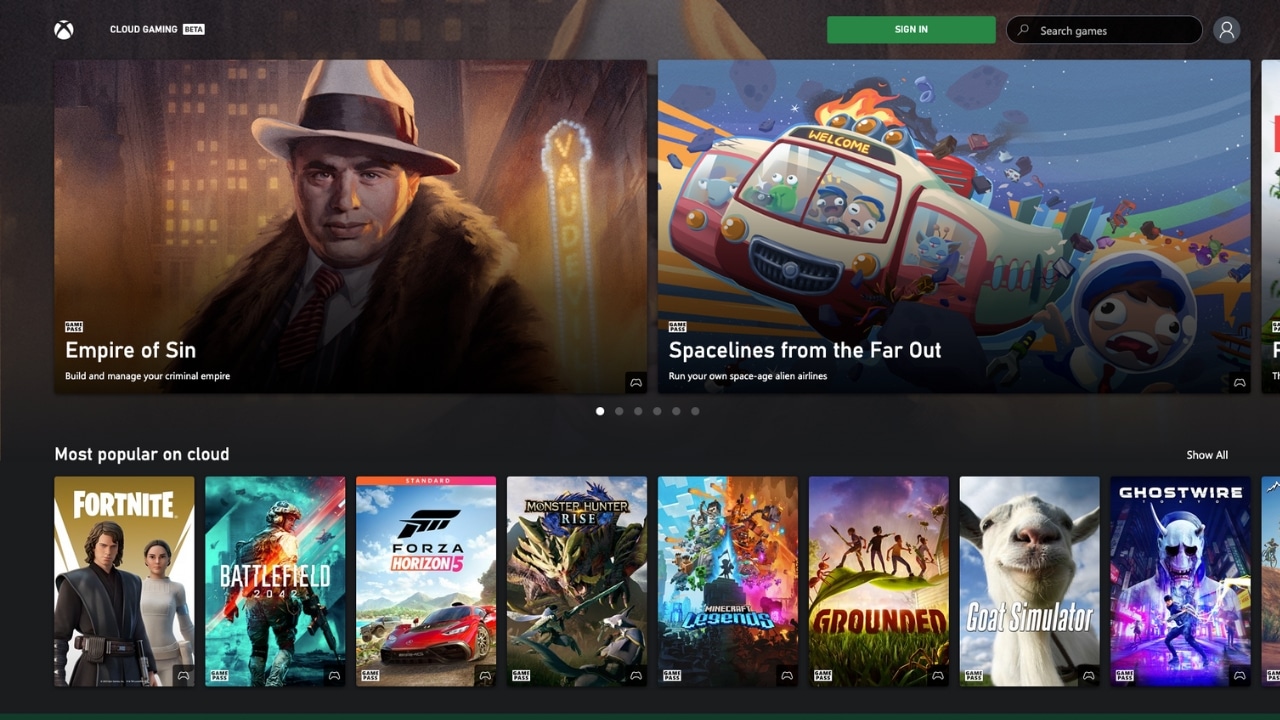
Available plans
Description
Xbox Cloud Gaming, once known as xCloud, is Microsoft’s take on a cloud gaming platform. With an Xbox Game Pass Ultimate (or Premium/Essential) subscription, you can access hundreds of games that can be played from the cloud on your PC or phone.
It’s a robust service that bridges the gap between console and mobile gaming. If you’re wondering what games you could be enjoying, take a peek at the games included in our Xbox cloud games list.
You should buy this if…
You shouldn’t buy this if…
Your perfect match?
Xbox Cloud Gaming is perfect for gamers who are already invested in Microsoft’s ecosystem and appreciate the ability to game across different devices.
-
Amazon Luna
Games-Inclusive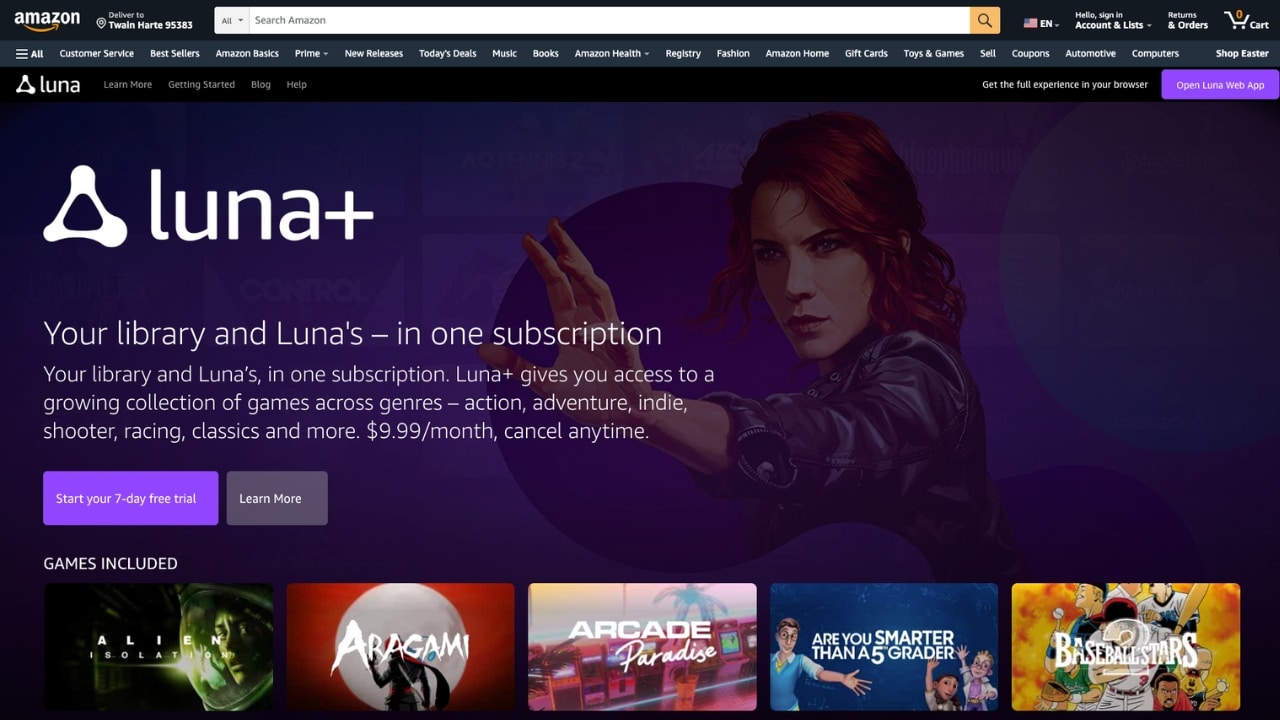
Available plans
Description
Amazon Luna is Amazon’s own cloud gaming platform powered by Amazon Web Services, featuring popular titles like EA Sports FC 26, and Hogwarts Legacy.
Prime members automatically get access to Luna Standard, which includes more than fifty games at no extra cost. With Luna Premium at $9.99/month, players get access to an expanded library, covering everything from AAA releases to family-friendly party titles. To see all available games, check the complete Amazon Luna games list.
New users can try Luna Premium free for seven days, while non-Prime members can also start with a 30-day Prime trial to access Luna Standard.
You should buy this if…
You shouldn’t buy this if…
Your perfect match?
Amazon Luna is ideal for Prime members and casual players who want instant access to a growing selection of quality games and the flexibility to explore different plans. Or you just want to play FC 26 in the cloud.
-
Blacknut
Games-Inclusive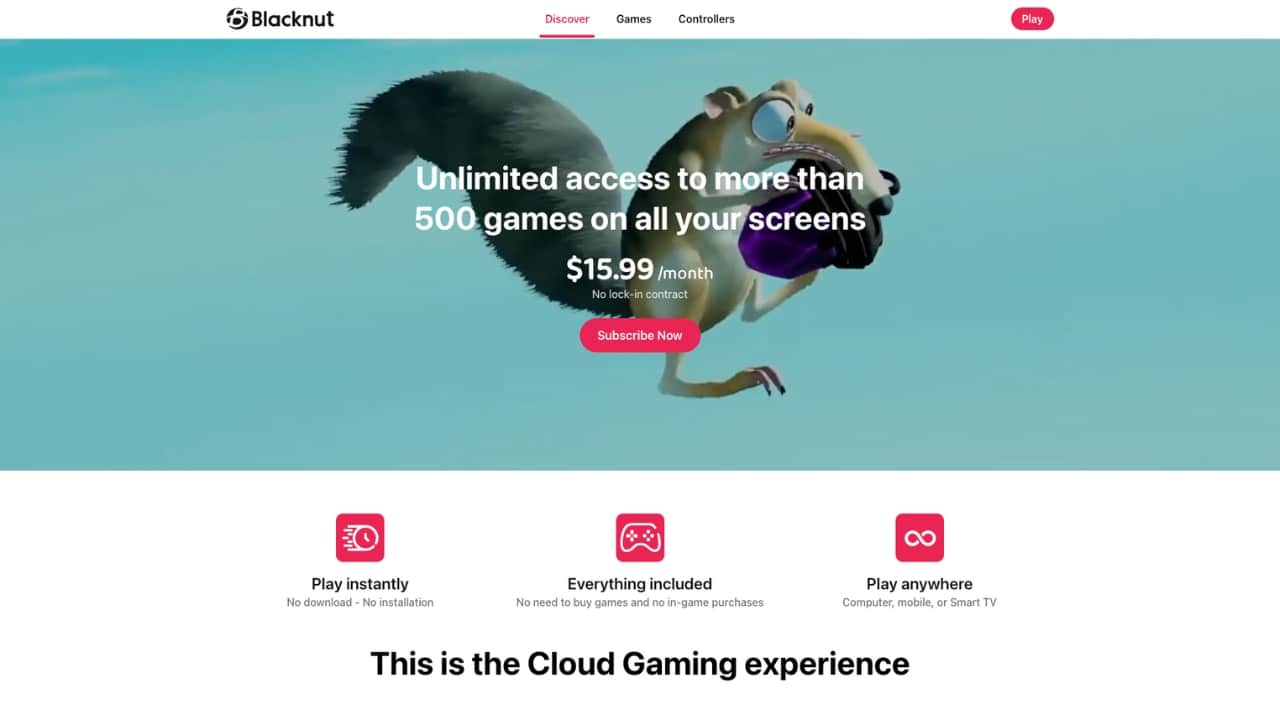
Available plans
Description
Blacknut is a cloud gaming service with a special focus on games for the whole family. For $15.99 a month, you get access to over 900 games in the Blacknut Cloud, covering a wide spectrum of gaming preferences. A 15-minute free trial is available without any contract.
Included in their collection are mainly indie games, and games for kids. With an active Blacknut subscription, you can play all these games for free without needing to purchase any additional licenses. Check our full list of games available on Blacknut.
You should buy this if…
You shouldn’t buy this if…
Your perfect match?
Blacknut is ideally suited for family gamers looking for a service that caters to a variety of age groups and gaming preferences.
-
airgpu
Full-Access-Cloud-PC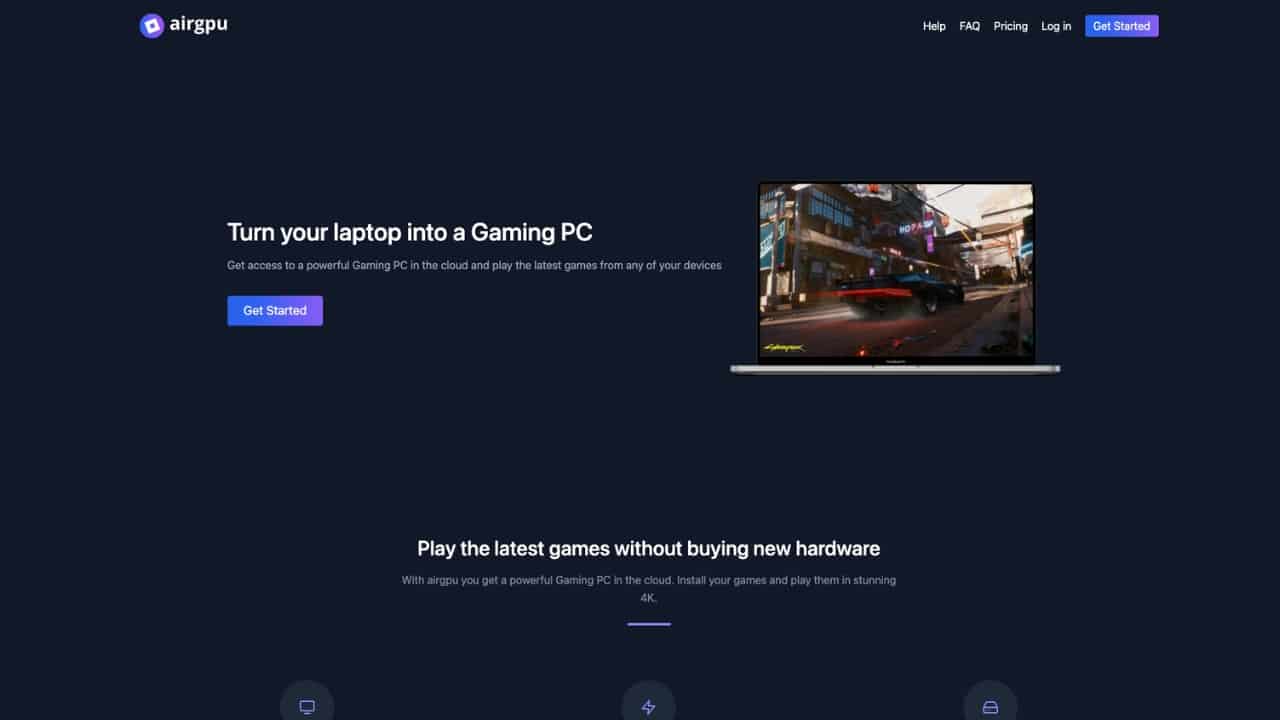
Available plans
Description
Like Shadow, airgpu offers you an easy way to create your own virtual gaming pc in the cloud. The service is based on AWS, which means you have around 20 data centers to choose from when setting up your cloud pc. This geographical variety ensures that you have the best connection possible.
What makes airgpu unique is that you are billed by the hour – a great option to give cloud gaming a try if you are new to the concept. Once set up, you have complete control over a Windows cloud server. This means you can play almost every game available on PC, including those in the airgpu games list.
You should buy this if…
You shouldn’t buy this if…
Your perfect match?
airgpu is ideally suited for tech-savvy gamers who desire full control over their gaming environment and a wide variety of PC games.
-
PlayStation Cloud Gaming
Games-Inclusive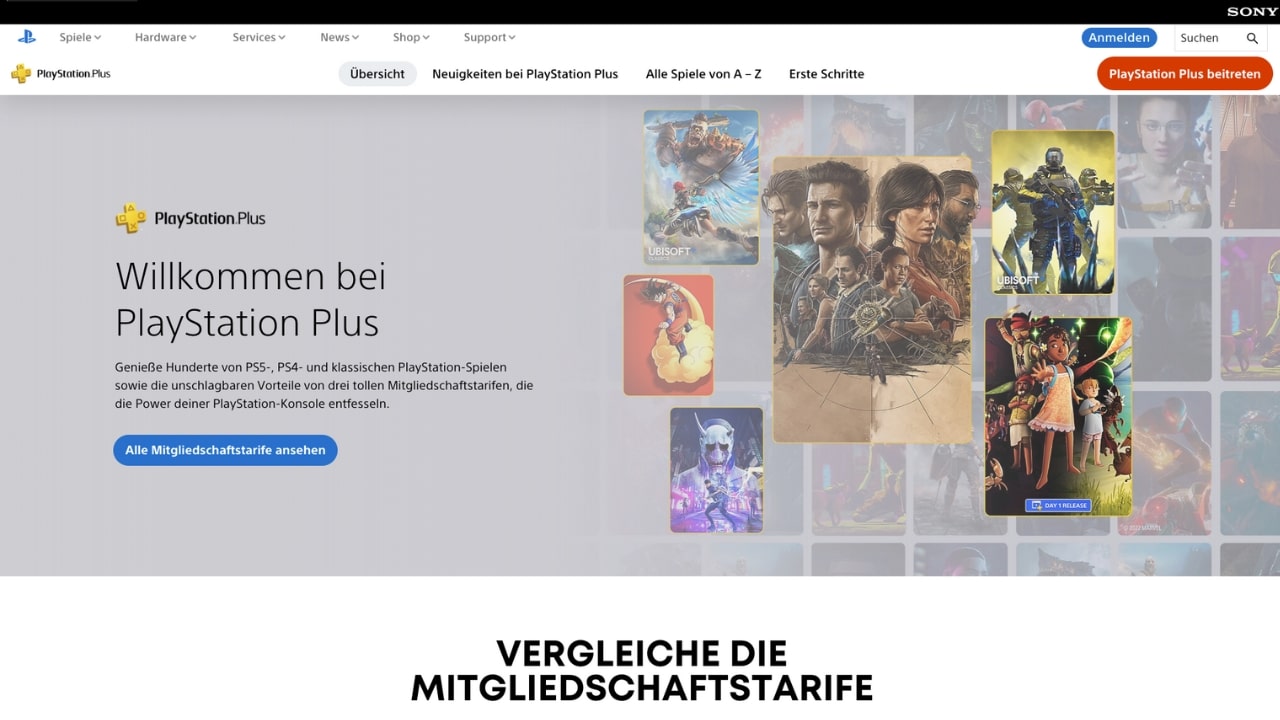
Available plans
Description
PlayStation cloud gaming, previously PlayStation Now, is Sony’s cloud gaming service. It’s included in the highest tier of PlayStation Plus plans (Premium), which costs around $18 a month (depending on region).
This service gives you access to a list of over 750 PlayStation games that can be streamed to your PC. As seen in the PlayStation cloud games list, you can finally play exclusive titles like The Last of Us and Bloodborne on your PC.
You should buy this if…
You shouldn’t buy this if…
Your perfect match?
PlayStation Cloud Gaming is perfect for PlayStation enthusiasts who are open to a higher subscription cost for exclusive access to PlayStation titles on their Windows PC or PlayStation Portal.


Why server locations matter in Canada
Even with strong broadband, the distance between your device and the game server affects how responsive the experience feels. For most Canadian players, the best latency comes from services with servers in Montreal or Central Canada. Services routing through nearby US cities like Seattle, Chicago, or New York are also viable for most game types.
For competitive or fast-paced games, anything under 30ms is ideal. Above 80ms becomes noticeable, and above 120ms it is disruptive. The table below shows server locations relevant to Canadian players.
| Cloud gaming service | Server locations relevant to Canada |
|---|---|
| Shadow PC | Canada (Montreal), USA (Washington DC, Portland) |
| GeForce Now | Canada (Quebec), USA (multiple) |
| Boosteroid | USA (Omaha/Nebraska, Allentown/Pennsylvania, Jacksonville/Florida) |
| Amazon Luna | Canada and USA |
| airgpu | Canada (Central), USA (multiple) |
| Xbox Cloud Gaming | Canada and USA (via Microsoft Azure) |
| PlayStation Cloud Gaming | Canada and USA |
| Blacknut | Available in Canada (server locations not publicly specified) |
Free cloud gaming options in Canada
Canada has strong free tier options compared to most regions. GeForce Now's free tier works in Canada with local servers in Quebec, meaning the session limit and queue times are the main trade-offs rather than latency. Amazon Luna Standard is free for Amazon Prime members, and Xbox Cloud Gaming occasionally offers discounted first-month trials.
For a full list of free options, see our free cloud gaming services guide.
Where to find games for cloud gaming in Canada
Looking for a specific game? Use our game search on cloudbase.gg to check which cloud gaming services support it. Based on our data, we track availability across 10,000+ titles. You can also create a free account to set availability alerts and get notified when a game becomes available on a specific service.
Frequently asked questions


You might also like
-
 airgpu Cloud GamingLast updated: June 14, 2024
 -
 Best Cloud Gaming Services in 2026 [Complete List]Last updated: February 26, 2026
 -
 Boosteroid Cloud GamingLast updated: June 13, 2024