Ever felt limited by the games available for Linux? Cloud gaming changes everything. It allows you to play top-tier games on any Linux PC, no matter the specs or compatibility issues.
All you need is a stable internet connection, and you’re ready to stream the latest titles.
Is there cloud gaming on Linux?
Yes, cloud gaming works perfectly on Linux. Most major cloud gaming platforms support Linux primarily through browser-based solutions, which are the easiest and most common way to play. While some providers may offer dedicated apps or software for specific distributions like Ubuntu, these are less common.
Tip: For the best experience, check out our guide to the best cloud gaming browsers for smooth streaming.
What games can you play via cloud gaming on Linux?
You can play virtually any game via cloud gaming on Linux. From the latest AAA releases to indie hits, cloud gaming services grant access to an enormous library of titles without worrying about native Linux support.
Here’s a quick list of popular games you can stream:


Want more options? Check out our full list of cloud games for Linux.
What do I need to play via cloud gaming on Linux?
Here’s what you need to get started with cloud gaming on Linux:
- A cloud gaming subscription:
Popular services like GeForce Now and Boosteroid support Linux. Not sure which one to choose? Check out our guide to the best cloud gaming services for Linux. - A Linux device:
It can be a desktop, laptop, or even a lightweight device like a Chromebook running Linux. - A stable internet connection:
Aim for at least 25 Mbps for smooth 1080p gaming. Higher resolutions may require faster speeds. Need help optimizing your connection? See our cloud gaming internet speed guide. - Optional peripherals:
A keyboard and mouse work fine, but using a controller can enhance your experience, especially for certain games.
What are the best cloud gaming services for Linux?
There are several great cloud gaming services for Linux. Many of them offer extensive game libraries and excellent performance even on older devices.
To help you find the right one, we’ve compiled a list of the best cloud gaming services for Linux:
-
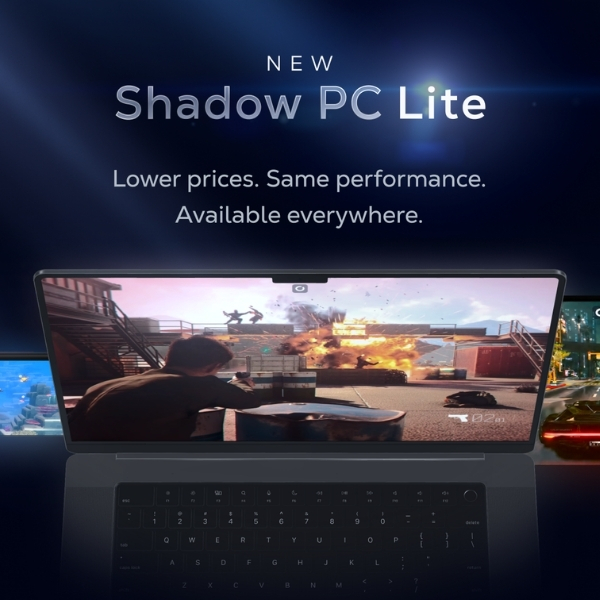
Shadow PC
Full-Access-Cloud-PC
Available plans
Description
When it comes to unrestricted gaming experiences, Shadow PC stands out. Shadow gives you full access to a powerful gaming PC in the cloud, ensuring you can play almost any game available for PCs. You can even use it for other things besides gaming, like video rendering or machine learning.
It’s a whole new level of freedom for gaming enthusiasts. With Shadow PC, your gaming potential is no longer limited by your hardware capabilities. Our Shadow PC games list can be used as an inspiration for what you could play on this Cloud PC.
You should buy this if…
You shouldn’t buy this if…
Your perfect match?
Shadow PC is perfect for PC gaming enthusiasts who crave flexibility and the ability to play an extensive array of games.
-
Boosteroid
Bring-Your-Own-Games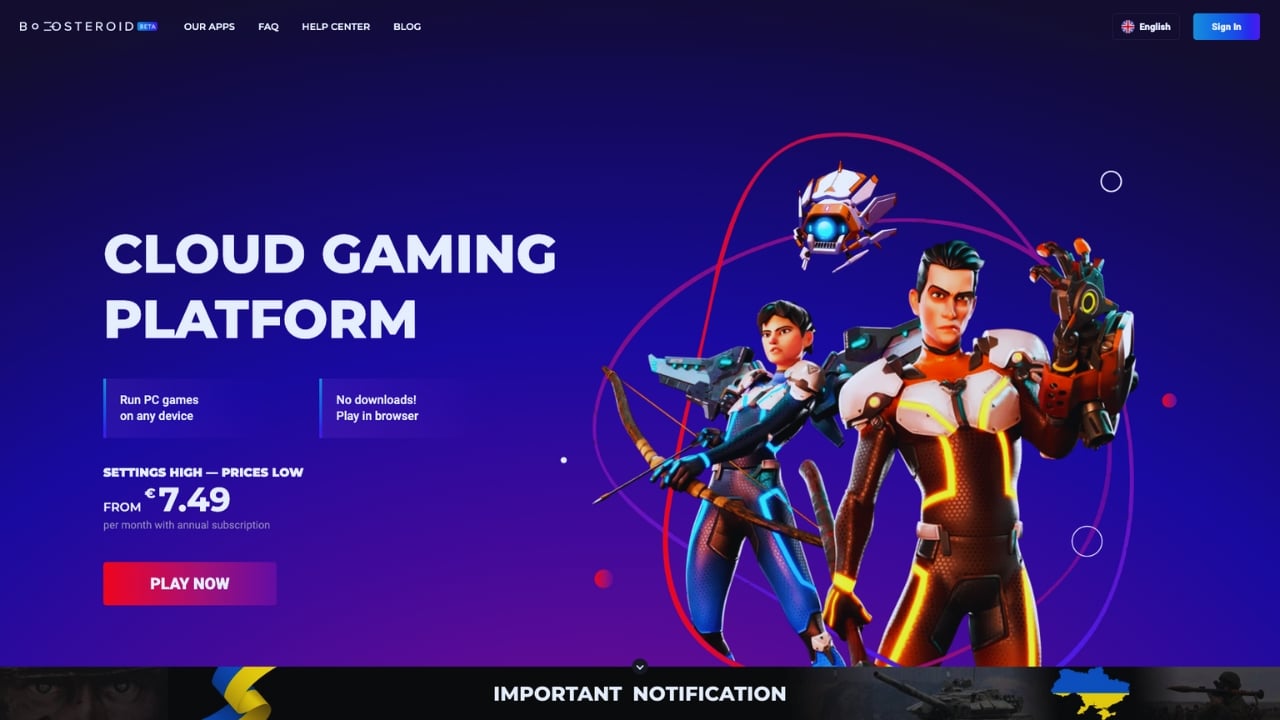
Available plans
Description
If affordability and quality are high on your list of priorities, then Boosteroid could be the right cloud gaming service for you. Starting at €7.49 per month on an annual plan, you have access to powerful cloud gaming servers that let you play your own games.
Notably, AAA games like Elden Ring, Red Dead Redemption II, and GTA V can be experienced in their full glory. Such a wide range of AAA games is seldom found in this price range. You can visit the current Boosteroid games list to get a better idea of what this service has to offer.
You should buy this if…
You shouldn’t buy this if…
Your perfect match?
Boosteroid is the perfect fit for gamers who love AAA games and are seeking a cost-effective cloud gaming service.
-
GeForce Now
Bring-Your-Own-Games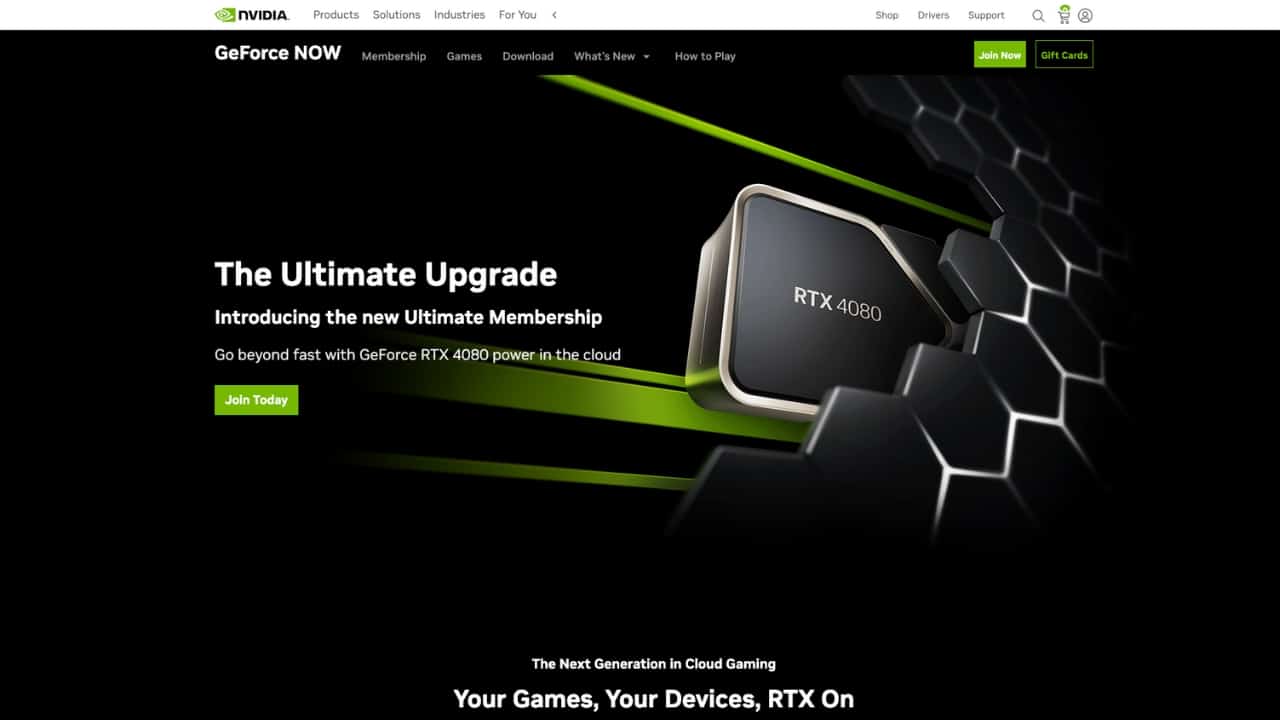
Available plans
Description
Nvidia, a significant contributor to the growth and development of cloud gaming, offers GeForce Now. This cloud gaming service allows you to play your purchased games with impeccable quality for just $10 per month.
In addition to its affordability, Nvidia GeForce Now also offers a free tier. This allows you to enjoy gaming sessions of up to an hour without paying a dime – a perfect opportunity to get started with cloud gaming, if you have never tried it before. To see what games you could be enjoying, browse through the current Nvidia GeForce Now games list.
You should buy this if…
You shouldn’t buy this if…
Your perfect match?
Nvidia GeForce Now is ideally suited to gamers who already have a substantial game library and value high-quality gaming performance.


Want more options? Check out our complete list of the best cloud gaming services.
How to start cloud gaming on Linux?
Getting started is easy. Just follow these steps:
- Pick a game: Choose something you want to play. Search a game, see where to play it.
- Select a provider: Find a cloud gaming service that supports your game.
- Set up and play: Open your browser, log in, and start streaming your game.
Need more guidance? Check out our simple step-by-step guide on how to start cloud gaming on Linux.
Is there any cloud gaming for free on Linux?
Yes, there is a free option. GeForce Now offers a free tier, but it comes with limitations like wait times and session length caps. For higher quality and additional features, you’ll need a paid subscription.
Looking for free games? Check out our list of free cloud games that you can play on Linux.
Is cloud gaming on Linux worth it?
Absolutely! Cloud gaming on Linux eliminates the need for dual-boot setups or compatibility workarounds. You get access to the latest games without worrying about whether they run natively on Linux.
It’s also cost-effective. Instead of investing in high-end hardware, you can enjoy a premium gaming experience on existing devices with minimal upgrades.
Frequently Asked Questions


You might also like
-
 Best cloud gaming handhelds in 2025Last updated: October 28, 2025
 -
 Best controller for cloud gaming in 2025Last updated: May 16, 2025
 -
 Cloud Gaming Android: How to Play on Smartphone & Tablet [2024]Last updated: January 9, 2024


You might also like
-
 airgpu Cloud GamingLast updated: June 14, 2024
 -
 Best Cloud Gaming Services in 2026 [Complete List]Last updated: February 26, 2026
 -
 Boosteroid Cloud GamingLast updated: June 13, 2024