Cloud Gaming on PC: How to play any game on any Windows PC [2025]


Ever wanted to play the latest games, but your PC couldn’t handle them? Cloud gaming solves that problem. It lets you stream high-end games on any Windows PC, no matter how old your setup is.
All you need is a stable internet connection, and you’re good to go. Let’s dive into the details and see how cloud gaming on PC works.
Is there cloud gaming on PC?
Yes, cloud gaming works perfectly on Windows. Most of the best cloud gaming services fully support Windows PCs, offering dedicated apps or browser-based solutions. Whether you prefer using a lightweight browser or downloading an app, both options work seamlessly on Windows.
Browser tip: For the best experience, use Google Chrome or another cloud gaming browser.
What games can you play via cloud gaming on Windows?
Pretty much any game you want. Cloud gaming gives you access to a massive range of titles, from AAA blockbusters like Marvel Rivals, Path of Exile 2 or GTA 5 to indie favorites. Whether you’re into action, RPGs, or multiplayer games, there’s something for everyone.
Here’s a quick list of popular games available via cloud gaming on PC:


Want to explore more titles? Check out our full list of cloud games for Windows.
What do I need to play cloud gaming on PC?
Here’s what you’ll need to get started with cloud gaming on your Windows PC:
What are the best cloud gaming services for Windows?
With so many services available, finding the best one can be tricky. Some offer vast game libraries, while others focus on performance or unique features.
Let’s take a look at some of the best cloud gaming services for Windows users:
-
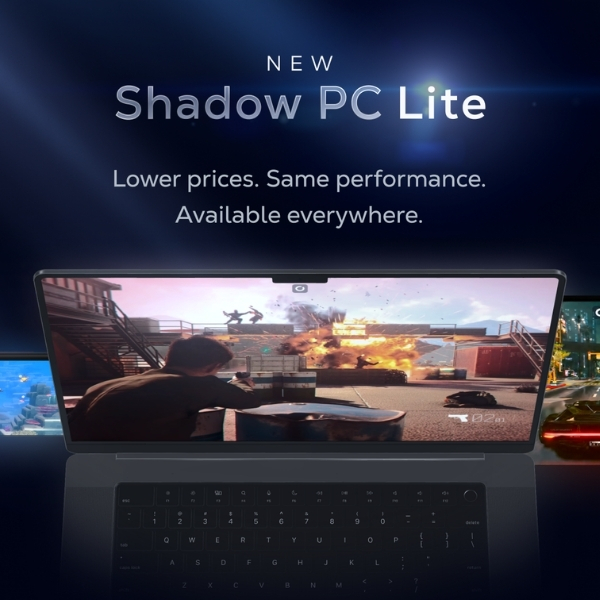
Shadow PC
Full-Access-Cloud-PC
Available plans
Description
When it comes to unrestricted gaming experiences, Shadow PC stands out. Shadow gives you full access to a powerful gaming PC in the cloud, ensuring you can play almost any game available for PCs. You can even use it for other things besides gaming, like video rendering or machine learning.
It’s a whole new level of freedom for gaming enthusiasts. With Shadow PC, your gaming potential is no longer limited by your hardware capabilities. Our Shadow PC games list can be used as an inspiration for what you could play on this Cloud PC.
You should buy this if…
You shouldn’t buy this if…
Your perfect match?
Shadow PC is perfect for PC gaming enthusiasts who crave flexibility and the ability to play an extensive array of games.
-
Boosteroid
Bring-Your-Own-Games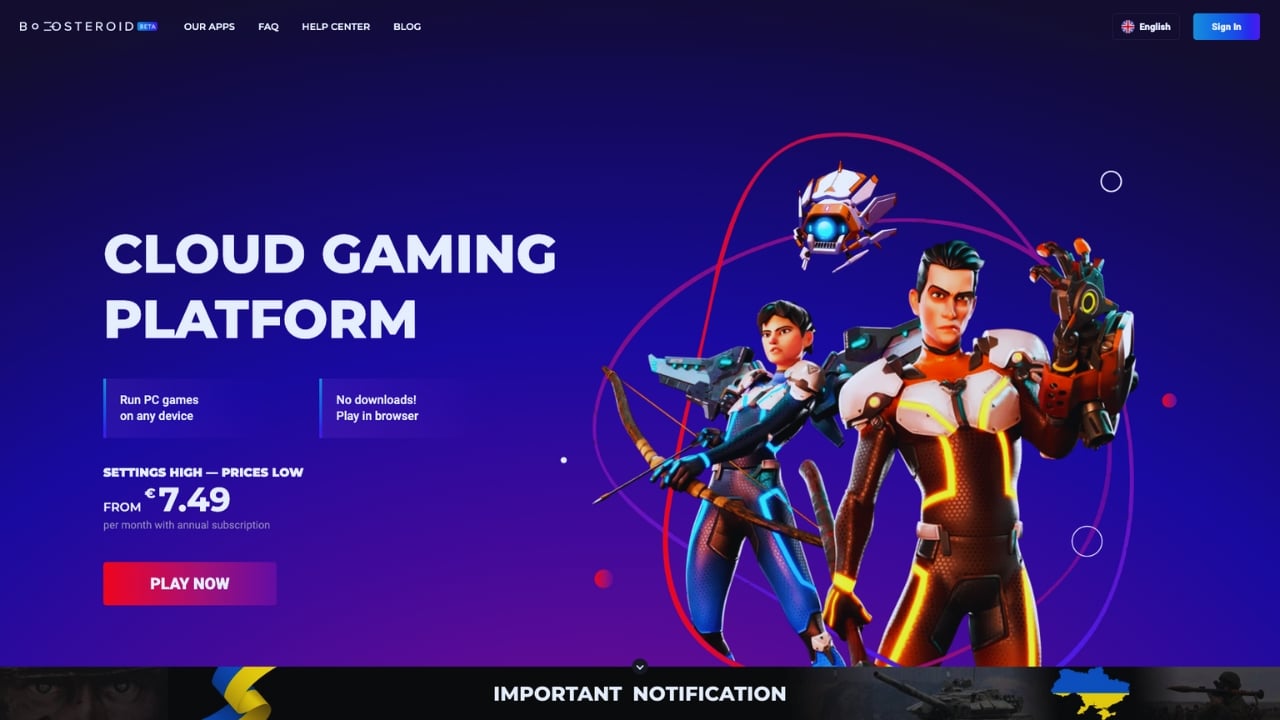
Available plans
Description
If affordability and quality are high on your list of priorities, then Boosteroid could be the right cloud gaming service for you. Starting at €7.49 per month on an annual plan, you have access to powerful cloud gaming servers that let you play your own games.
Notably, AAA games like Elden Ring, Red Dead Redemption II, and GTA V can be experienced in their full glory. Such a wide range of AAA games is seldom found in this price range. You can visit the current Boosteroid games list to get a better idea of what this service has to offer.
You should buy this if…
You shouldn’t buy this if…
Your perfect match?
Boosteroid is the perfect fit for gamers who love AAA games and are seeking a cost-effective cloud gaming service.
-
GeForce Now
Bring-Your-Own-Games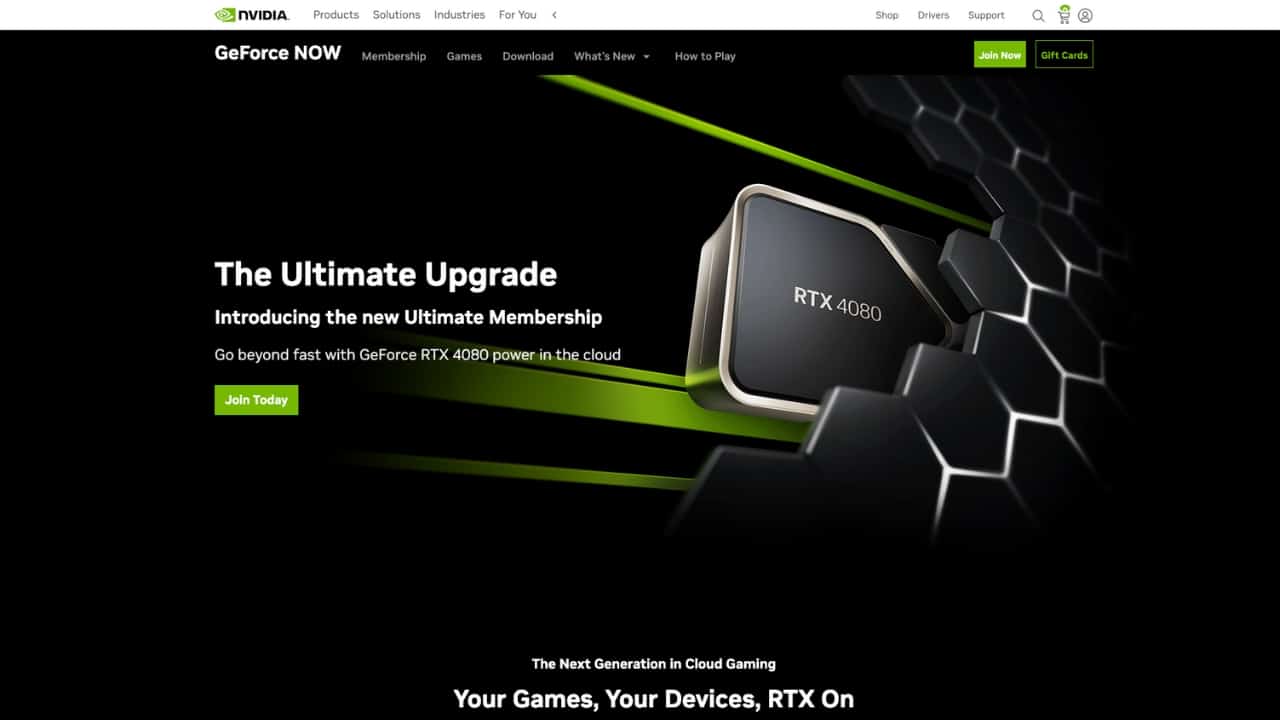
Available plans
Description
Nvidia, a significant contributor to the growth and development of cloud gaming, offers GeForce Now. This cloud gaming service allows you to play your purchased games with impeccable quality for just $10 per month.
In addition to its affordability, Nvidia GeForce Now also offers a free tier. This allows you to enjoy gaming sessions of up to an hour without paying a dime – a perfect opportunity to get started with cloud gaming, if you have never tried it before. To see what games you could be enjoying, browse through the current Nvidia GeForce Now games list.
You should buy this if…
You shouldn’t buy this if…
Your perfect match?
Nvidia GeForce Now is ideally suited to gamers who already have a substantial game library and value high-quality gaming performance.


Want more options? Check out our complete list of the best cloud gaming services.
How to start cloud gaming on Windows PCs?
Getting started is super simple. Just follow these steps:
- Pick a game
Choose a game you want to play. (Tip: Use our search to find a game, and we’ll show you where you can play it on cloud gaming.) - Select a provider
Find a cloud gaming service that supports your game. - Set up and play
Install the app or use your browser to log in and start gaming.
Need more details? Check out our simple step-by-step guide on how to start cloud gaming.
Is there any cloud gaming for free on PC?
Yes, there is a free option. GeForce Now offers a free tier, but keep in mind that it comes with ads, wait times, and limited session lengths. If you want better performance and extra features like 4K, you’ll need to subscribe to a premium plan.
Looking for more free options? Check out our lists of free cloud gaming services and free cloud games.
Is cloud gaming on Windows PCs worth it?
Absolutely! Cloud gaming on PC is a game-changer for those who don’t want to constantly upgrade their hardware. You can play the latest titles without worrying about performance issues or expensive components.
It’s also super convenient – you can switch between devices, like starting on your PC and continuing on your phone or tablet. Plus, it’s often more budget-friendly than buying high-end gaming hardware.
Frequently Asked Questions


You might also like
-
 Best cloud gaming handhelds in 2025Last updated: October 28, 2025
 -
 Best controller for cloud gaming in 2025Last updated: May 16, 2025
 -
 Cloud Gaming Android: How to Play on Smartphone & Tablet [2024]Last updated: January 9, 2024


You might also like
-
 airgpu Cloud GamingLast updated: June 14, 2024
 -
 Best Cloud Gaming Services in 2026 [Complete List]Last updated: February 26, 2026
 -
 Boosteroid Cloud GamingLast updated: June 13, 2024